Contact
France (EUR €)
  • Australia (USD $)
  • Austria (EUR €)
  • Belgium (EUR €)
  • Bulgaria (EUR €)
  • Canada (USD $)
  • Croatia (EUR €)
  • Czechia (CZK Kč)
  • Denmark (DKK kr.)
  • Estonia (EUR €)
  • Finland (EUR €)
  • France (EUR €)
  • Germany (EUR €)
  • Greece (EUR €)
  • Hungary (HUF Ft)
  • Ireland (EUR €)
  • Italy (EUR €)
  • Latvia (EUR €)
  • Lithuania (EUR €)
  • Luxembourg (EUR €)
  • Malta (EUR €)
  • Netherlands (EUR €)
  • New Zealand (USD $)
  • Norway (USD $)
  • Poland (PLN zł)
  • Portugal (EUR €)
  • Romania (RON Lei)
  • Slovakia (EUR €)
  • Slovenia (EUR €)
  • Spain (EUR €)
  • Sweden (SEK kr)
  • Switzerland (USD $)
  • United Kingdom (USD $)
  • United States (USD $)
WeTheSound
Menu
  • Home
  • Sounds
    Sounds
    • Construction Kits
    • One Shots
    • Loop Kits
    • Drum Kits
  • Plugins
    Plugins
    • DIG – FL Studio (Waitlist)
  • Discover Kits
  • Blogs
  • Services
  • Login / Register
France (EUR €)
  • Australia (USD $)
  • Austria (EUR €)
  • Belgium (EUR €)
  • Bulgaria (EUR €)
  • Canada (USD $)
  • Croatia (EUR €)
  • Czechia (CZK Kč)
  • Denmark (DKK kr.)
  • Estonia (EUR €)
  • Finland (EUR €)
  • France (EUR €)
  • Germany (EUR €)
  • Greece (EUR €)
  • Hungary (HUF Ft)
  • Ireland (EUR €)
  • Italy (EUR €)
  • Latvia (EUR €)
  • Lithuania (EUR €)
  • Luxembourg (EUR €)
  • Malta (EUR €)
  • Netherlands (EUR €)
  • New Zealand (USD $)
  • Norway (USD $)
  • Poland (PLN zł)
  • Portugal (EUR €)
  • Romania (RON Lei)
  • Slovakia (EUR €)
  • Slovenia (EUR €)
  • Spain (EUR €)
  • Sweden (SEK kr)
  • Switzerland (USD $)
  • United Kingdom (USD $)
  • United States (USD $)
France (EUR €)
  • Australia (USD $)
  • Austria (EUR €)
  • Belgium (EUR €)
  • Bulgaria (EUR €)
  • Canada (USD $)
  • Croatia (EUR €)
  • Czechia (CZK Kč)
  • Denmark (DKK kr.)
  • Estonia (EUR €)
  • Finland (EUR €)
  • France (EUR €)
  • Germany (EUR €)
  • Greece (EUR €)
  • Hungary (HUF Ft)
  • Ireland (EUR €)
  • Italy (EUR €)
  • Latvia (EUR €)
  • Lithuania (EUR €)
  • Luxembourg (EUR €)
  • Malta (EUR €)
  • Netherlands (EUR €)
  • New Zealand (USD $)
  • Norway (USD $)
  • Poland (PLN zł)
  • Portugal (EUR €)
  • Romania (RON Lei)
  • Slovakia (EUR €)
  • Slovenia (EUR €)
  • Spain (EUR €)
  • Sweden (SEK kr)
  • Switzerland (USD $)
  • United Kingdom (USD $)
  • United States (USD $)

Trending Search

  • One shots
  • Drum kits
  • Loops
Popular Products
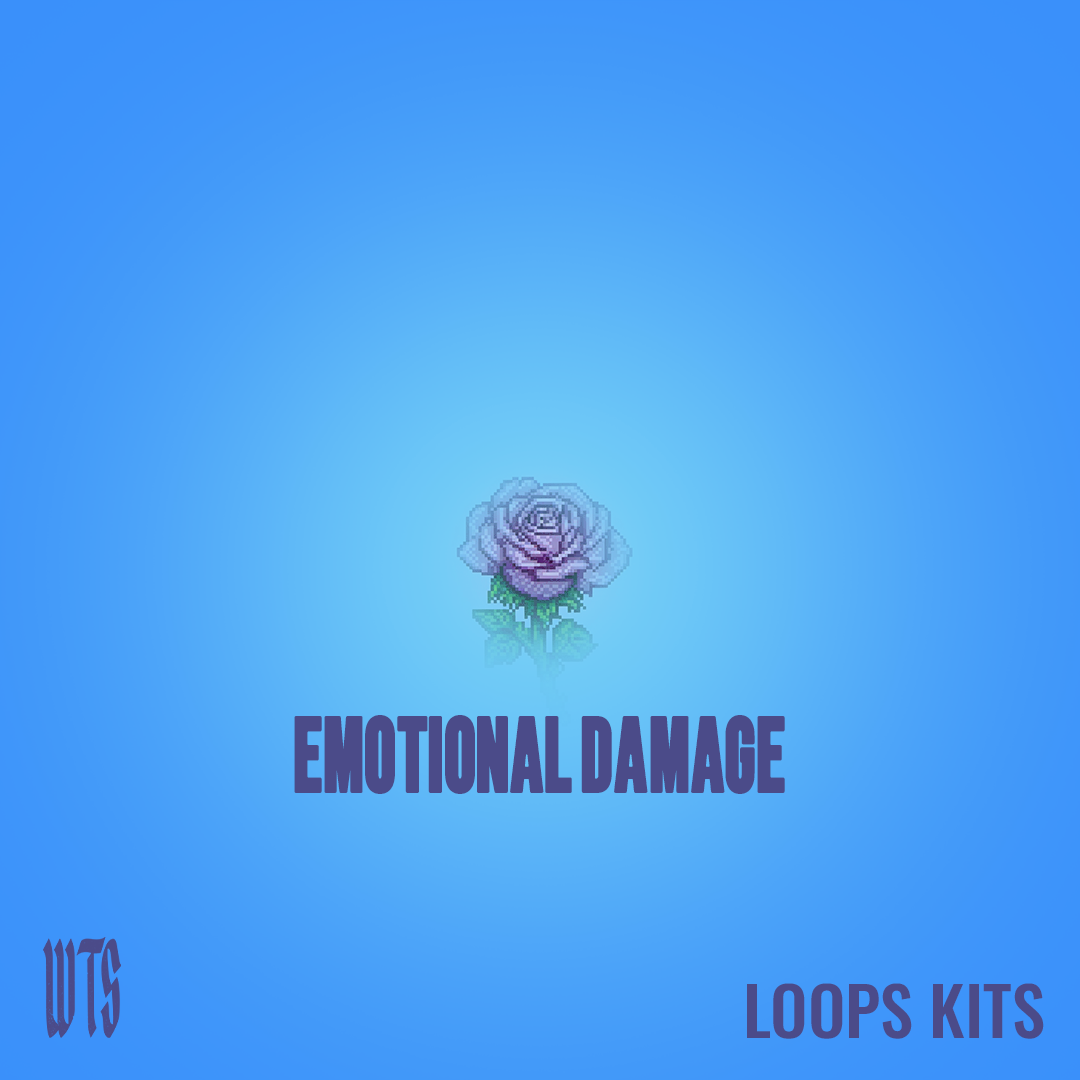
Emotional Damage – Melodic Loop Kits – royalty-free sample pack by WeTheSound
Emotional Damage - Loop Kit loading
Regular price €2,99 EUR
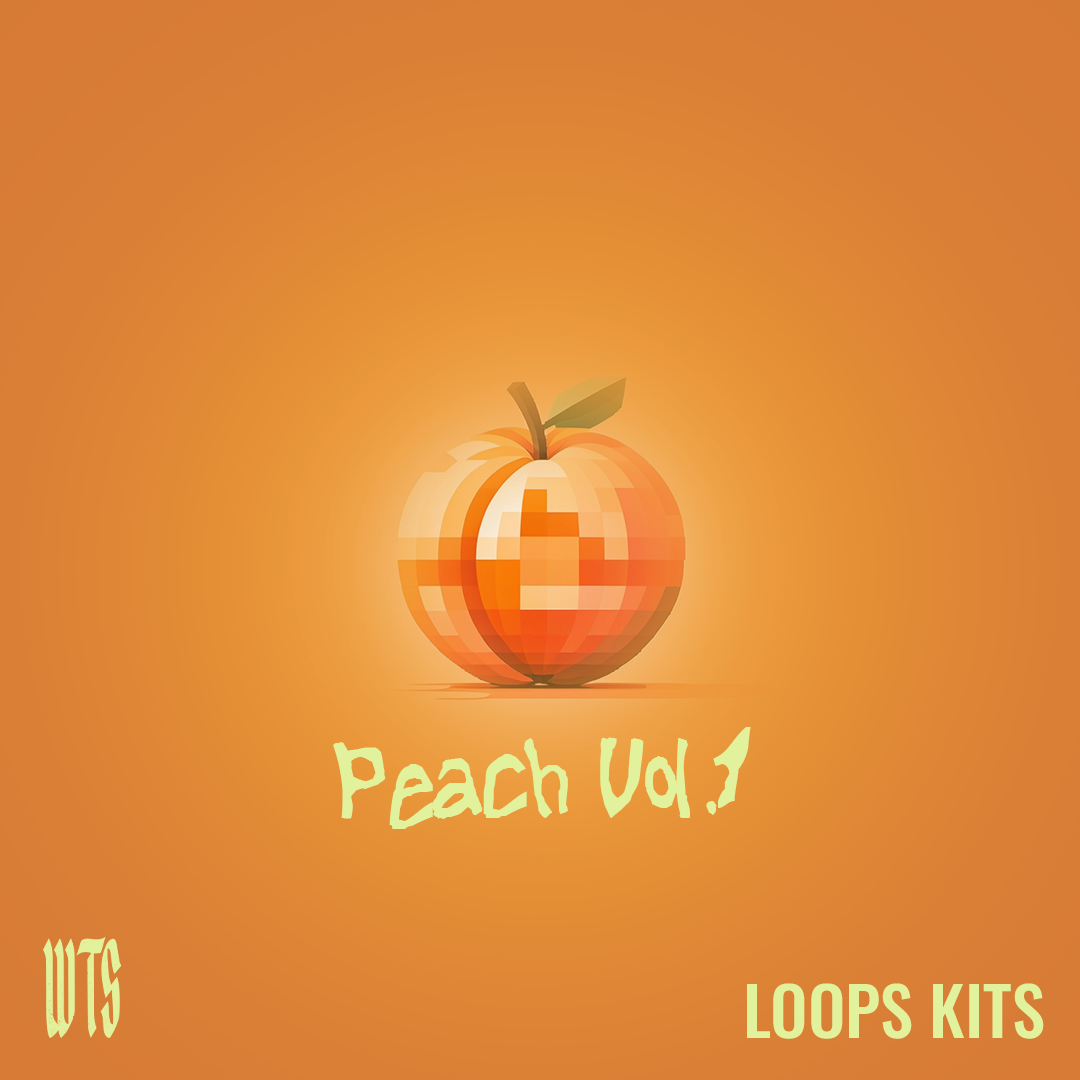
Peach Vol. 1 – Melodic Pop Loop Kits – royalty-free sample pack by WeTheSound
Peach Vol. 1 - Loop Kit loading
Regular price €2,99 EUR
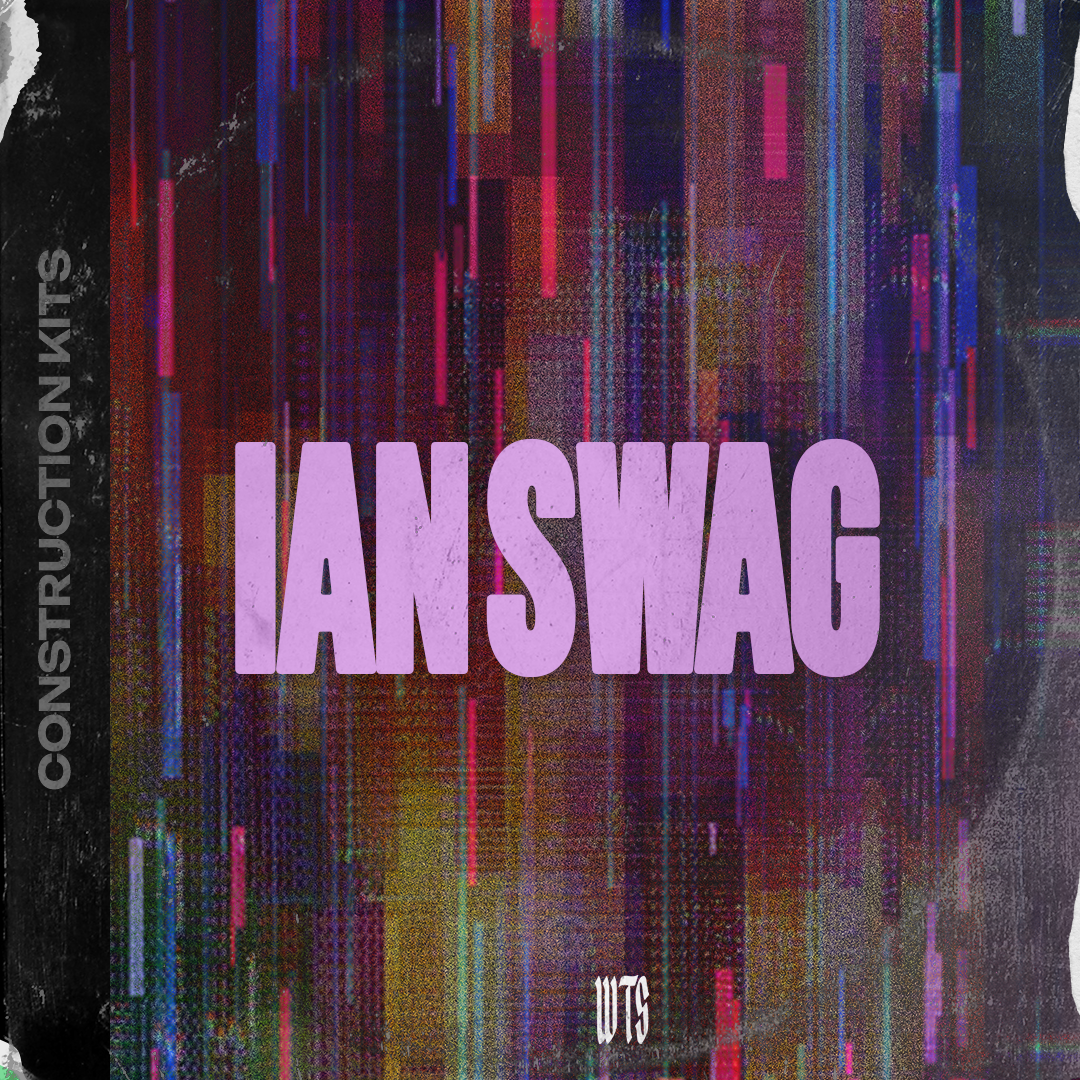
IAN SWAG – Drums And Loops Samples – royalty-free sample pack by WeTheSound
IAN Swag - Multi-Kit loading
Regular price €2,95 EUR
TRAP GALORE – Dark Trap Drums & Loops – royalty-free sample pack by WeTheSound
Trap Galore - Multi-Kit loading
Regular price €3,95 EUR
The Don – Construction Kit – royalty-free sample pack by WeTheSound
The Don - Construction Kit loading
Regular price €1,99 EUR
0 0 items
Shopping Cart (0)
Your cart is currently empty!.

You may check out all the available products and buy some in the shop.

Home / Producer Guides
beat making faster

Build Your Own MIDI & Loop Library: The Workflow for Faster Beats in 2026

WeTheSound Studio 2 min read November 12, 2026
Build Your Own MIDI & Loop Library: The Workflow for Faster Beats in 2026
On this page

Ever watched a producer cook a full beat in 15 minutes and wondered how? It's not magic, and it's not just talent. The fastest producers have one thing in common: a personal library of MIDI patterns and loops they can pull from instantly.

In 2026, with more sounds available than ever, the real advantage isn't having more — it's being able to find the right idea fast. Here's how to build your own MIDI and loop library, and how DIG handles the hardest part for you.

MIDI vs Loops: You Need Both

MIDI patterns are the notes — your melodies, chord progressions, 808 lines and drum rhythms. They're fully editable: change the key, swap the instrument, re-time anything.

Loops are audio — finished-sounding melodies and drums with character already baked in. They're instant vibe, perfect for sparking an idea or layering texture.

A great library has both: your own MIDI for full control, and quality royalty-free loops for speed and inspiration.

Step-by-Step: Building the Library

1. Decide your categories:

Keep it close to how you actually build beats: Hi-Hats, Kicks, Snares, Percs, 808 & Bass, Chords, Melodies — and a Loops folder split by genre or mood.

2. Name everything the same way:

Pick one naming format and never break it: Type - Name - Key - BPM. Example: Melody - Neon Keys - C#m - 140. Consistent names make searching instant.

3. Save your own patterns:

Every time something slaps, export it as MIDI from the Piano Roll (File > Export as MIDI file) into the right folder. Our complete FL Studio guide covers the Piano Roll if you're newer.

4. Curate your loops:

Don't hoard thousands of random samples. Keep the loops you'd actually use, from kits you trust. Quality over quantity — every loop in our construction kits is royalty-free and labeled with key and BPM, so it drops straight into this system.

5. Make it reachable inside FL Studio:

Add your library folder to the FL Studio Browser through the File settings so everything is one drag away while you work.

How to Actually Use It to Make Beats Faster

  • Start from a groove: pull a hi-hat and 808 pattern you love, then build a new melody on top.
  • Start from a loop: drop a melodic loop, then add your own drum patterns from the library.
  • Remix yourself: take an old melody, put it on a new sound and transpose it — instant new idea.
  • Match by key and BPM: because everything is labeled, combining pieces takes seconds, not trial and error.

The Hard Part: Your Back Catalog

Building the library going forward is easy. The real goldmine is everything you already made — years of FL Studio projects full of patterns you'll never export by hand.

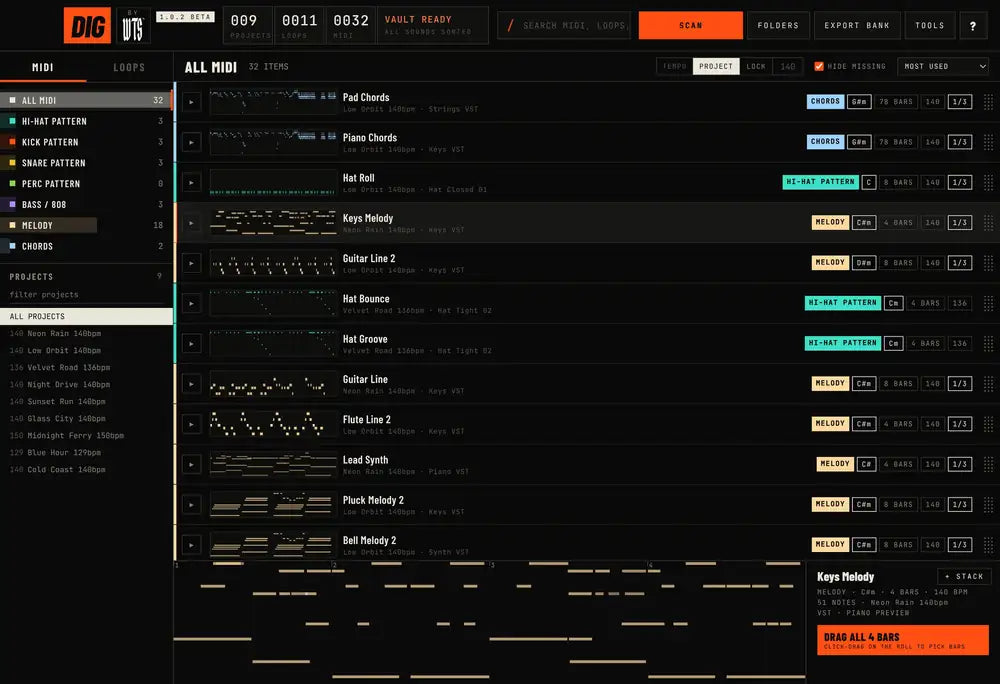
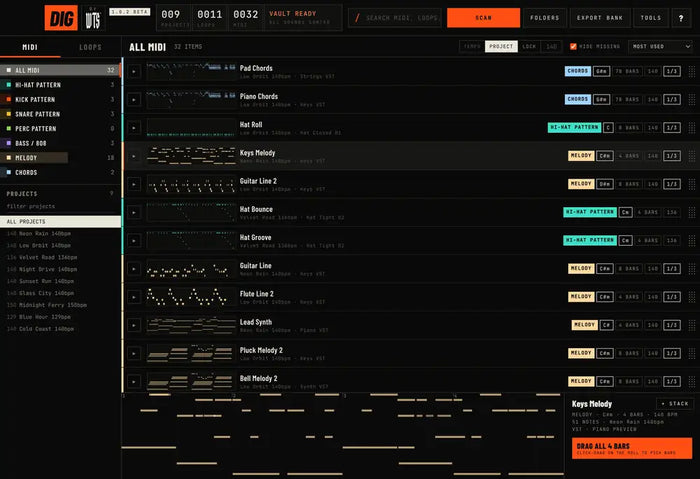
That's what DIG does. It scans all your .flp projects in one go, extracts every pattern, and sorts them into hi-hats, kicks, snares, percs, 808 & bass, chords and melodies — with key, bars and BPM for each. You can preview on the piano roll, filter by project or tempo, search, and drag any pattern straight into FL Studio. Your entire history becomes the MIDI side of your library, instantly. Mac & Windows, PDF manual included.

Fill the Loop Side

For the loop side, start with kits built for this workflow: Emotional Damage for melodic loops, African Dreamscape for Afrobeats and Amapiano, and Spacio Sonus for analog one-shots. Want more ideas? Check Top Loop Kits and Construction Kits for Producers.


Get DIG Before Everyone Else

DIG is the FL Studio tool we built at WeTheSound to fix exactly this. It scans every project you've ever made, pulls out each hi-hat, 808, chord and melody, sorts them, and lets you drag any pattern straight into a new beat — without opening a single old project.

DIG is coming soon. Join the DIG waitlist here to be first in line when it drops, and check out the rest of our producer tools in the Plugins section.

Share X Facebook WhatsApp

Sounds for this

Emotional Damage - Loop Kit
Emotional Damage€2,99
Peach Vol. 1 - Loop Kit
Peach Vol. 1€2,99

Hear it in your own beats

Royalty-free loop kits, drum kits and construction kits — instant download.

Browse sounds

Keep reading

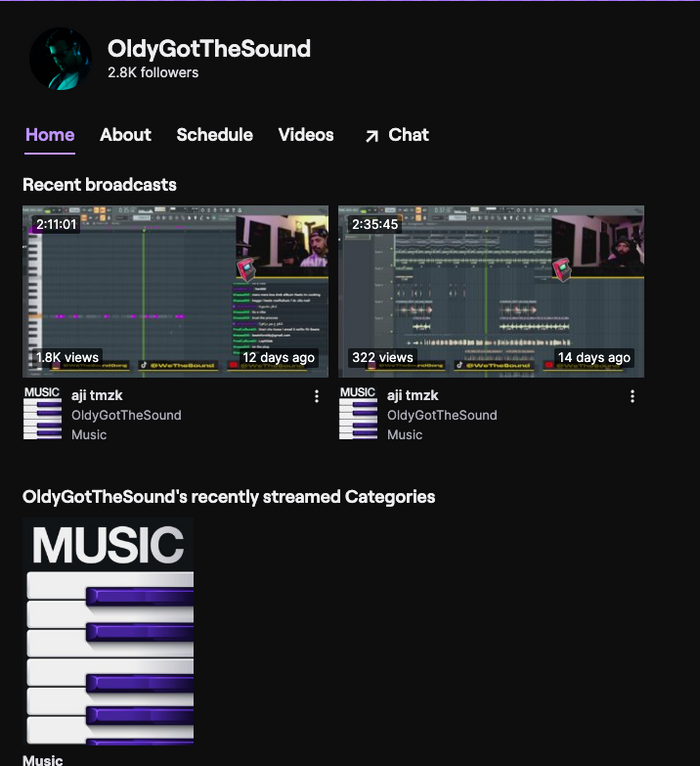
Your Old FL Studio Projects Are a Goldmine: How to Reuse Hi-Hats, 808s & Melodies 808 patterns · 2 min Your Old FL Studio Projects Are a Goldmine: How to Reuse Hi-Hats, 808s & Melodies Every unfinished beat on your hard drive has at least one idea worth saving. Here is how to pull hi-hats, 808s and... How to Organize MIDI in FL Studio: Stop Losing Your Best Patterns beat making · 3 min How to Organize MIDI in FL Studio: Stop Losing Your Best Patterns Your best hi-hat roll is sitting inside a project from 2022 and you will never find it again. Here is a simple... Get Beat Feedback & Production Tips on My Twitch Live 808 Mixing Tips · 1 min Get Beat Feedback & Production Tips on My Twitch Live Looking to improve your beat-making and mixing skills? Join my live Twitch streams where I cook up beats, give producers real-time feedback,...

Shop

  • Loop Kits
  • Drum Kits
  • Construction Kits
  • One-Shot Kits
  • Plugins
  • DIG – Waitlist
  • Mixing & Mastering

Learn

  • Producer Guides
  • How to Organize MIDI in FL Studio
  • Reuse Old FL Studio Projects
  • Build a MIDI & Loop Library
  • Royalty-Free Loop Kits Guide
  • FL Studio Guide

Help

  • Privacy Policy
  • Refund Policy
  • Terms of Service
Privacy Policy - Refund Policy - Terms of Service © 2026 WeTheSound. All rights reserved.
  • American Express
  • Apple Pay
  • Bancontact
  • BLIK
  • Cartes Bancaires
  • EPS
  • Google Pay
  • Klarna
  • Mastercard
  • MobilePay
  • PayPal
  • Satispay
  • Shop Pay
  • Visa
Home Account Shop 0 Cart
Skip to content
  • Choosing a selection results in a full page refresh.
  • Opens in a new window.